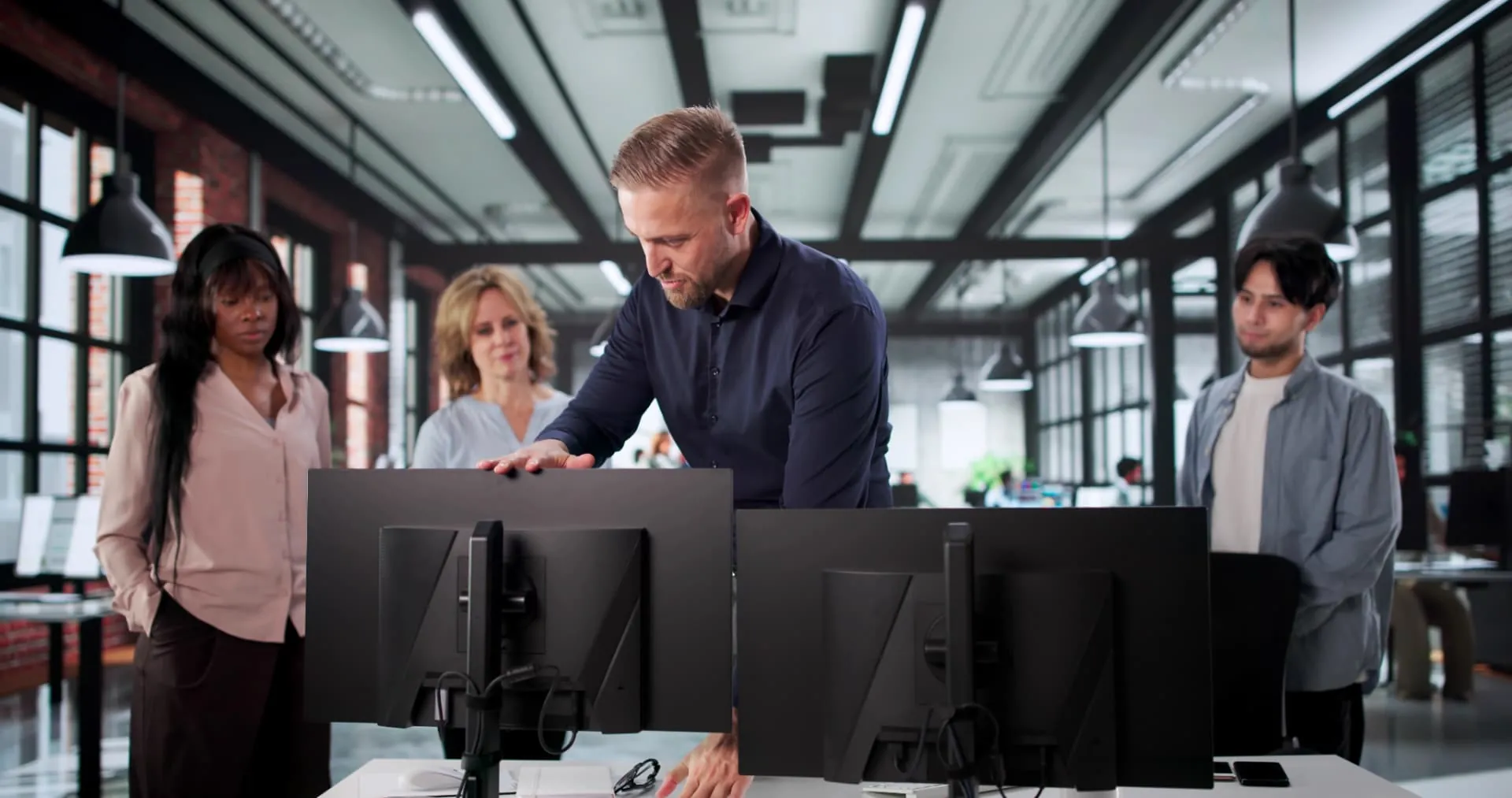
Seated screen work
Forearms horizontal, feet on the floor, top edge of the screen at eye level and a chair that follows you when you lean back. Office chair, desk and monitor arm must be adjusted together — not one at a time.

Focus area
A sore neck, tense shoulders and a lower back that gives out in the afternoon. It is rarely one chair or one desk that is to blame — it is the interplay between working posture, task and layout. We look at how people actually sit and move during the day, and fix what puts the most strain on them.

Four situations that are almost always about ergonomics.
The screen is too low, the mouse arm has no support, and the shoulders creep up without anyone noticing. The body pays the price at the end of the day.
The equipment has been bought, but the habit hasn't followed. Without a short instruction and a reason to change position, the desk stays at the same height all year.
Chairs get moved around, settings are lost, and new employees inherit a chair that was set up for a different body and a different task.
Lifting at the wrong height, the same movement a thousand times and hard floors. Here ergonomics is as much about working height, aids and variation as about furniture.
Our approach
We don't sell ergonomics as a package. We look at working postures, how the desk, chair and screen are adjusted, and how the load is spread over the day — and we only recommend what makes a difference.
01
What do people do, for how long at a time, and what forces them into awkward postures? The task determines the right setup.
02
Much of the discomfort disappears with the correct height of desk, chair and screen. It costs nothing, and we do it on site.
03
If you need saddle chairs, sit-stand stools, monitor arms or lifting aids, we tell you. If you don't, we tell you that too.
04
Equipment only works when people know why and how. We run a short walkthrough with employees, so the settings last after we have left.
Solutions
Forearms horizontal, feet on the floor, top edge of the screen at eye level and a chair that follows you when you lean back. Office chair, desk and monitor arm must be adjusted together — not one at a time.
Variation causes less strain than the perfect posture held for hours. Sit-stand desks, sit-stand stools and ergonomic mats make it realistic to change position several times a day.
Working height, reach distance and weight determine the load. Adjustable workbenches, lift tables and aids make more of a difference than lifting technique alone.
The kitchen table is not a workstation. If working from home is regular and a significant part of working hours, the Danish rules on screen work also apply at home, and the workstation must be included in the workplace assessment (APV) that Danish law requires. Raising the laptop to eye level and adding a separate keyboard and mouse typically removes the worst neck strain, and an adjustable task lamp takes care of the lighting. We are happy to review the workstations via photos or a short online meeting and put together one standard package HR can order for new employees — so it is the same for everyone and easy to manage.
Pregnancy, problems after an injury or chronic conditions require a specific assessment of the individual workstation. We help find a solution the employee can stay in.
Documentation
We rely on the same sources as the rest of our advice: the National Research Centre for the Working Environment (NFA), the knowledge portal godtarbejdsmiljo.dk from BFA (the Danish sector working environment councils), and the rules of the Danish Working Environment Authority.
Every 3rd sick day
Musculoskeletal disorders are one of the most common causes of sickness absence in the Danish labor market. Neck, shoulder and back problems top the list among employees who do regular screen work.
NFA · Work Environment and Health in Denmark
See the sourceVariation over sitting still
It is not the individual posture but the lack of variation that causes strain. Switching between sitting and standing work and short breaks during the hour prevent discomfort more effectively than one 'correct' setting.
godtarbejdsmiljo.dk · Ergonomics and screen work
See the sourceScreen work requirements
The Danish Working Environment Authority's rules on screen work set specific requirements for desk, chair, screen and lighting, and the work must be organized with breaks or other forms of variation.
Danish Working Environment Authority · Screen work
See the sourceInstruction is required by Danish law
Equipment alone is not enough. Under Danish rules, the employer must make sure employees are instructed in using it correctly — that is exactly where the effect of sit-stand desks and good chairs is decided.
Danish Working Environment Authority · Working postures and movements
See the sourceAPV requirement in Denmark
Ergonomic strain is part of the physical work environment and must be assessed in the workplace assessment (APV) required by Danish law when employees experience problems. A written review of the workstations serves as documentation.
Danish Working Environment Authority · Workplace assessment (APV)
See the sourceIndustries
Ergonomics does not mean the same thing everywhere. Here are the workplaces where we are most often called in — and why.
Neck, shoulder and lower back pain is the most common reason we are called in. Often the chair is the right one — it has just never been adjusted to the person sitting in it.
Standing at the same station for hours strains the legs and back. Anti-fatigue mats, saddle chairs and the correct working height make more of a difference than new furniture.
Electronics manufacturing and laboratories require dissipative materials. Ergonomics must not compromise ESD safety — that is why mats and chairs come in ESD versions.
Many locations, changing users and hot desks. Here, the need for instruction and adjustment is as great as the need to buy new equipment.
Guide
The order matters more than the budget. Here is how to find out what really needs replacing.
01
At most of the workstations we review, the equipment is already there. Seat height, backrest tension, armrests and screen height have just never been set for the user.
02
Footrest and seat height determine the position of the pelvis, which determines the position of the back. If you fix the screen first, you just move the problem.
03
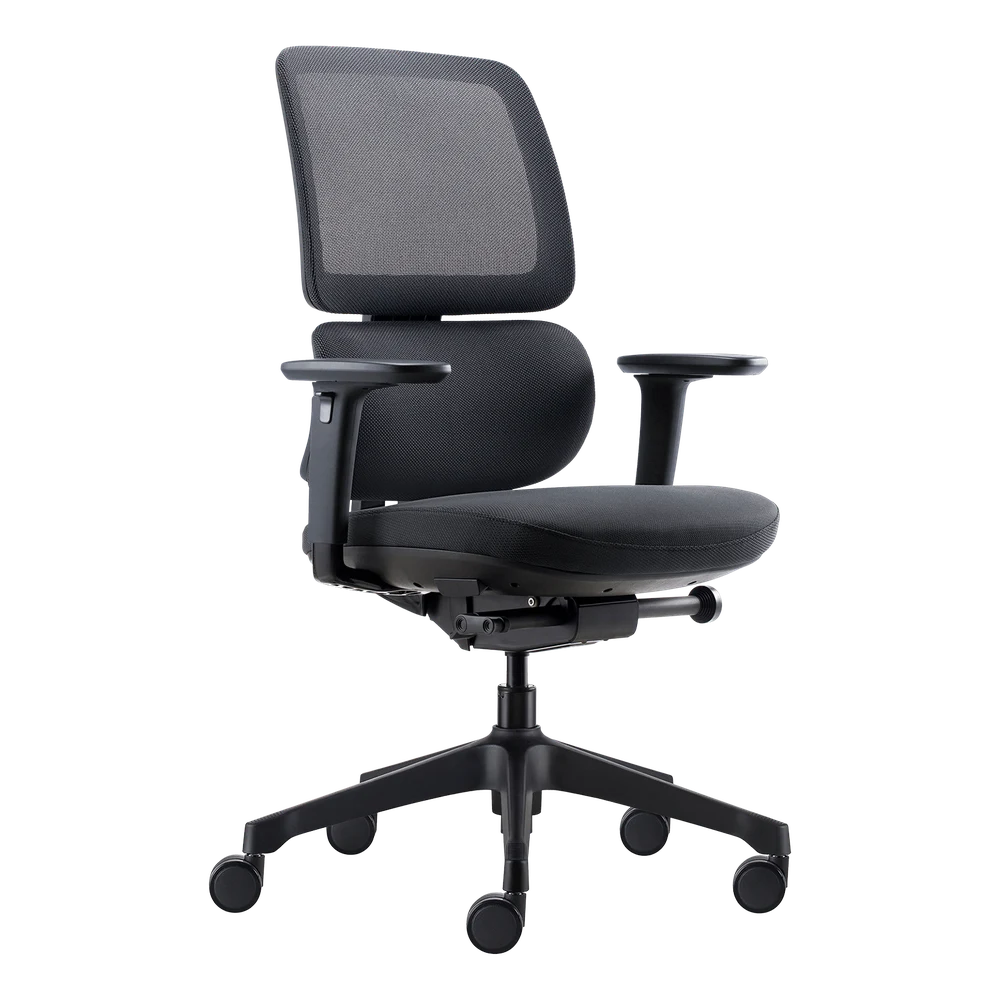
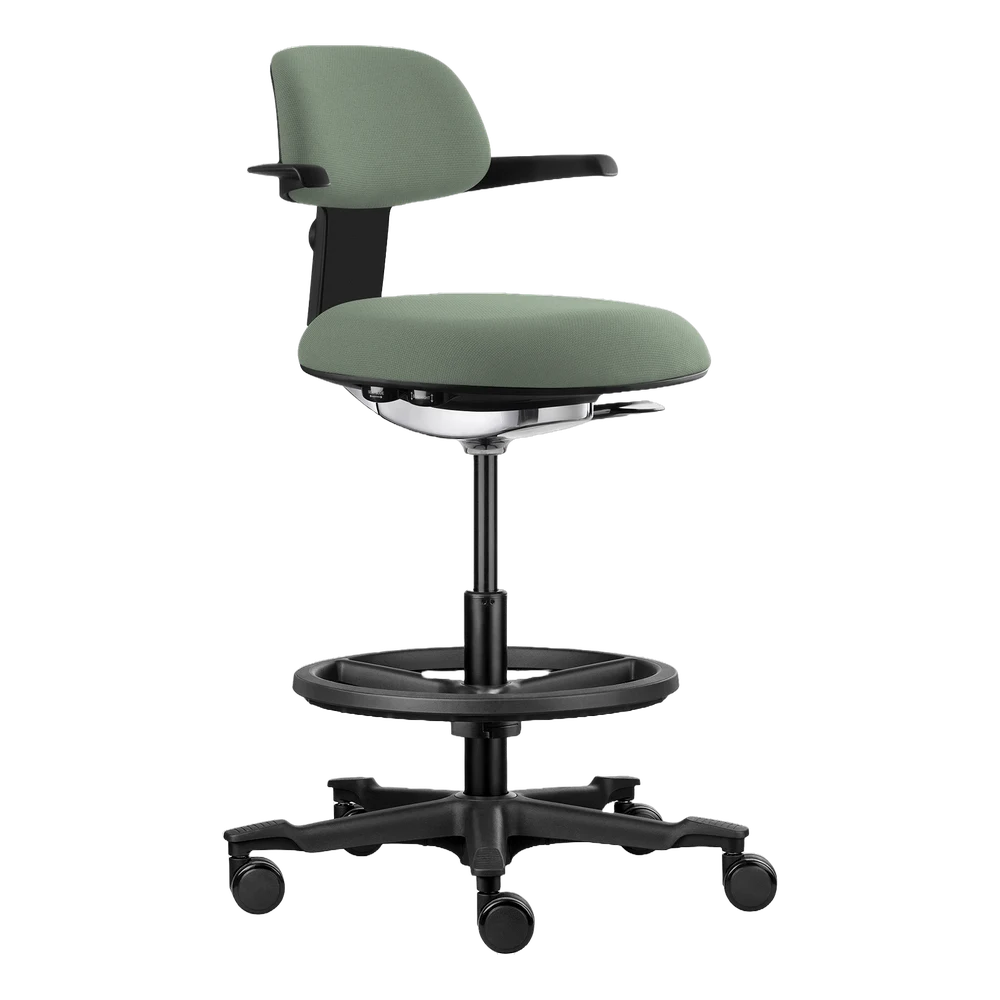
Sedentary focused work, changing work positions and short stays at hot desks each call for a different type of chair: office chair, active chair or saddle chair.
04
A wide keyboard with a number pad forces the mouse hand out to the side. A compact or split keyboard and a vertical mouse move the strain away from the shoulder.
05
There is no working posture the body can hold for eight hours. Sit-stand desks, anti-fatigue mats and active breaks are part of the solution.
06
New settings often feel wrong for the first few days. Without follow-up, the chair goes back to its old settings.
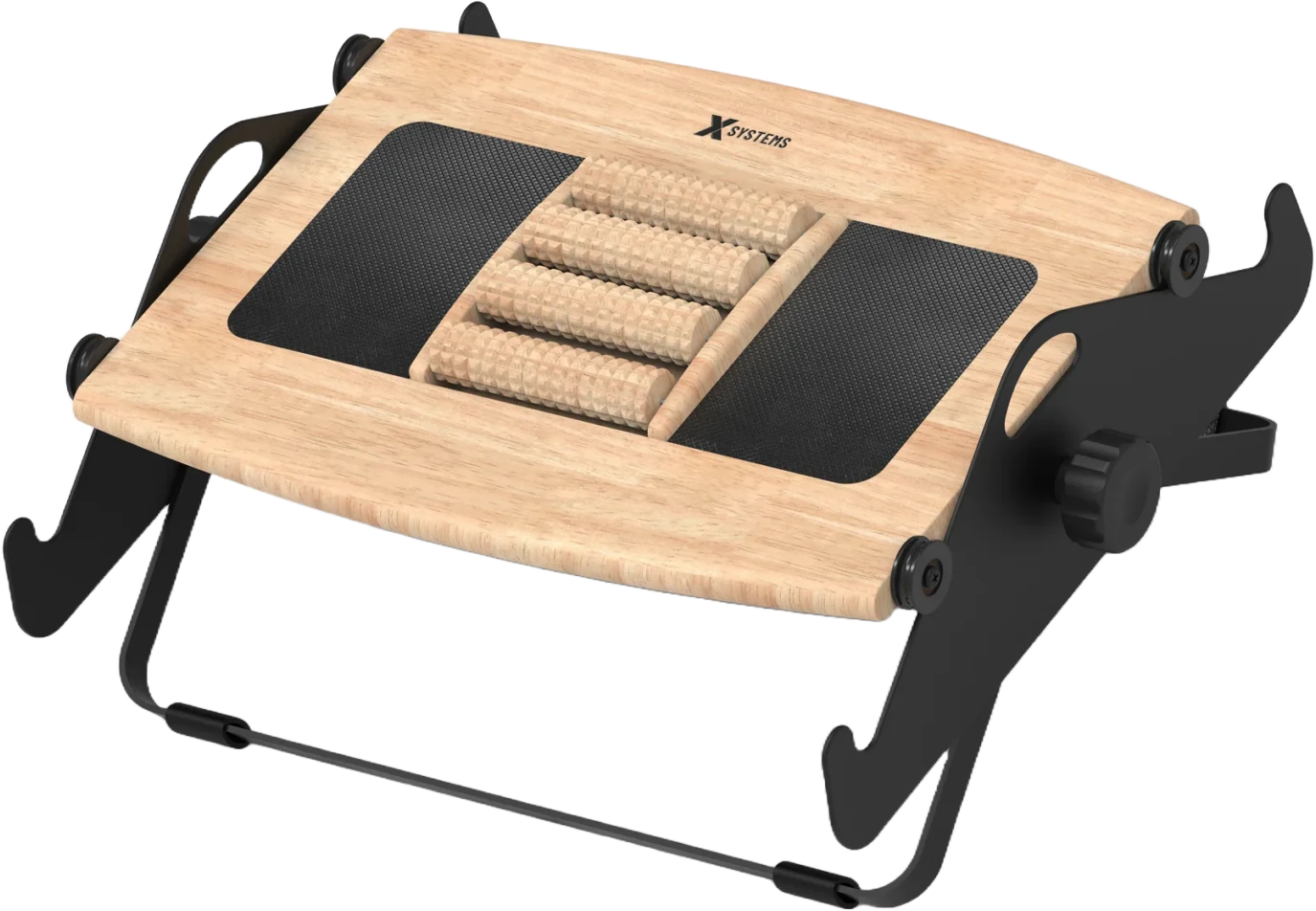
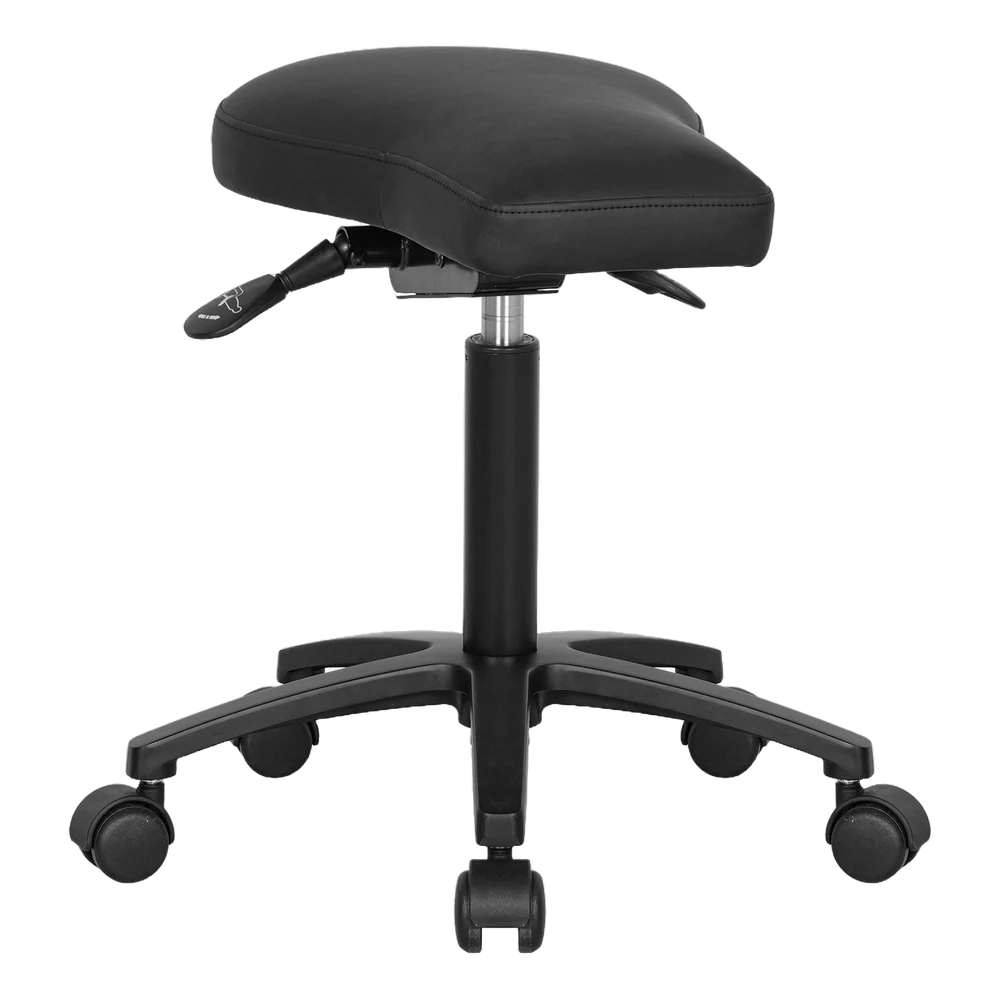
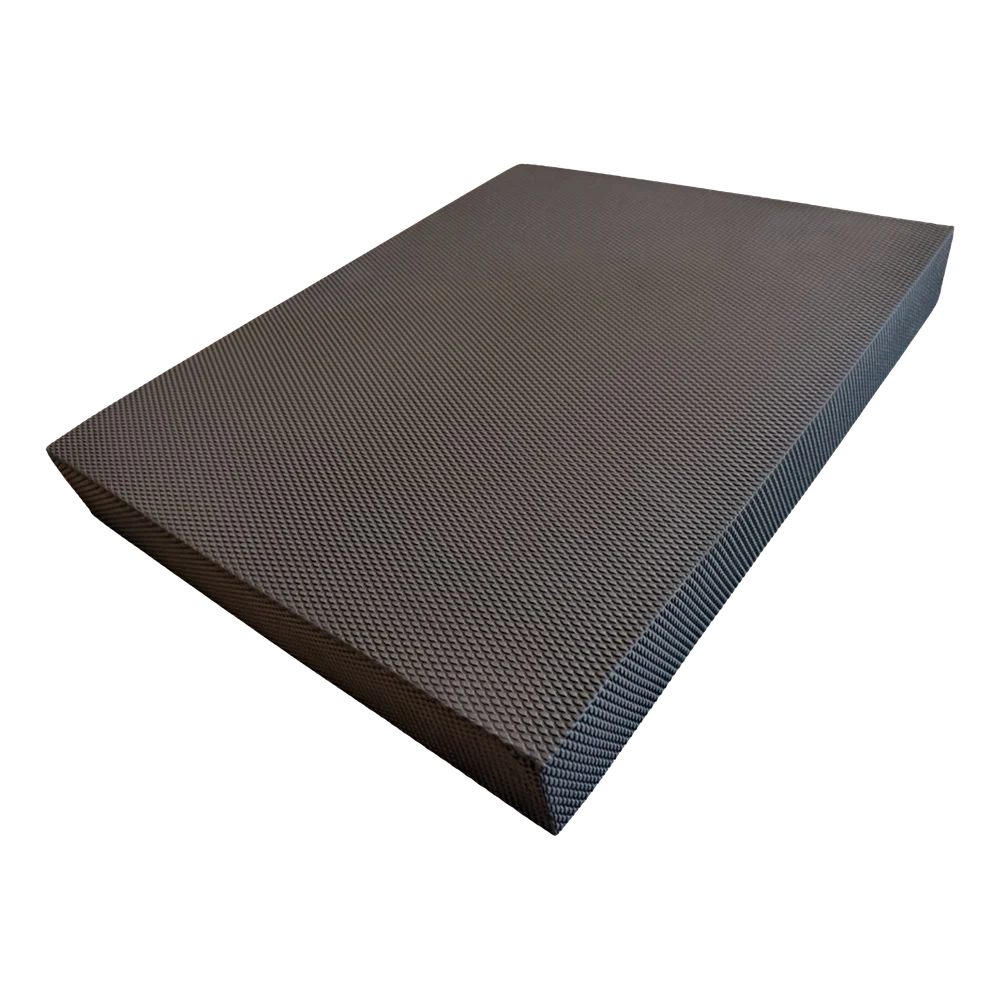
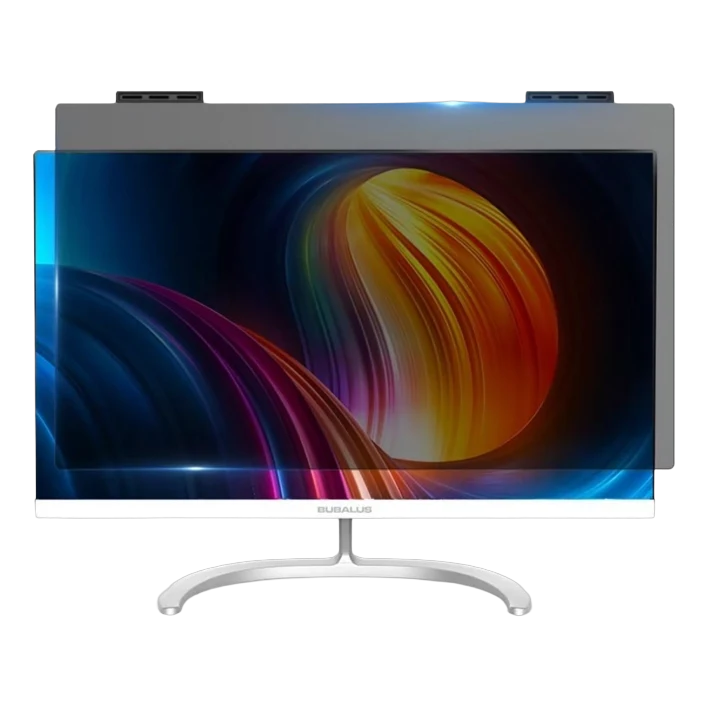
What we typically end up recommending — when the analysis points that way.
Typical process — example
Several employees had recurring neck and shoulder problems, and new chairs bought the year before had made no difference. The walkthrough showed that the screens were too low on the desks and that the chairs had never been adjusted to the users. We adjusted all workstations, added monitor arms to 14 of them and gave a short instruction. The figures below are a typical outcome — yours come from the analysis.
FAQ
Your feet should rest flat on the floor, knees and hips at roughly 90 degrees, and your forearms should lie horizontally on the desk without the shoulders being pulled up. Desk height follows the elbow, not the other way around — that is why we always adjust the chair first.
For regular screen work it is a clear advantage, because it makes variation possible. But a desk that is never raised changes nothing. That is why we always follow up with a short instruction, so people get a reason and a habit.
The rule of thumb is a change every half hour and a couple of short breaks per hour. The changes don't have to be big — standing up, getting coffee or raising the desk for an hour all count.
If the employee regularly works from home, the employer is responsible for making sure the workstation is properly set up — just as at the office. We are happy to create a simple standard package, so it is the same for everyone and easy to manage.
Yes. Ergonomic strain is part of the physical work environment and must be assessed in the workplace assessment (APV) required by Danish law when employees experience problems. Our written summary can be used directly as documentation of what was examined and decided.
The work environment analysis is free and without obligation. Many of the recommendations are adjustments that cost nothing. If equipment needs to be purchased, you get a total estimate with a prioritized order.
Tell us briefly how many workstations and what type of work it is, and a consultant will get back to you with a time.