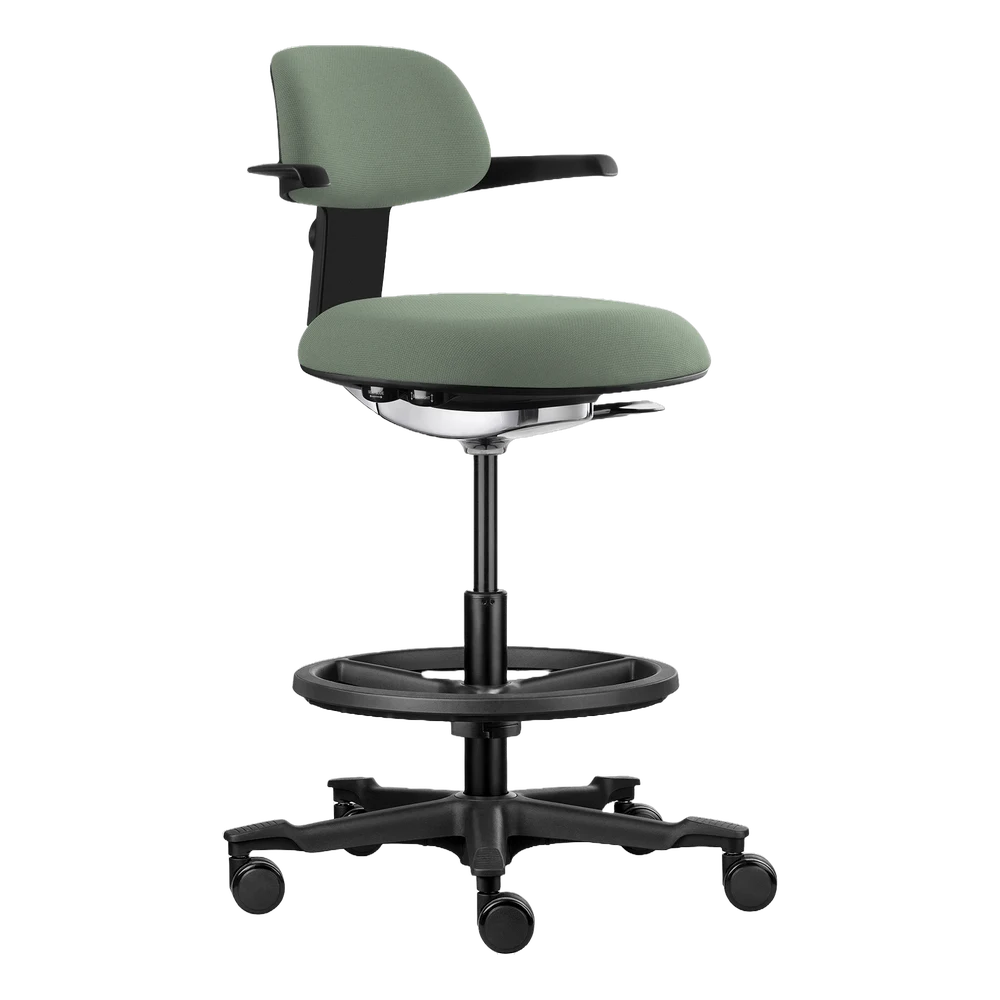
Dynamic Seat
- Promotes better blood circulation
- Supports the natural S-curve of the back
- Well suited for dynamic sitting

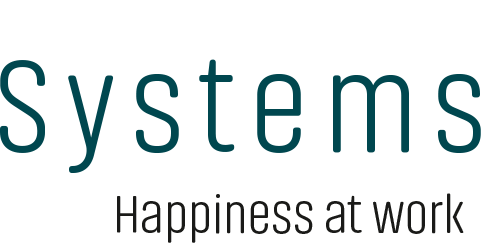
Ergonomic aids
A Dynamic Seat, a Keyboard Support and a higher screen position gave coordinator Mia Quist Larsen more relaxed shoulders and fewer tension headaches.
About the customer
Børnehuset Fuglereden, Odense Municipality
A Dynamic Seat, a Keyboard Support and a higher screen position gave coordinator Mia Quist Larsen more relaxed shoulders and fewer tension headaches.
3 concrete adjustments to the workstation
The challenge
Mia Quist Larsen, coordinator at Børnehuset Fuglereden, had suffered from tension headaches for many years. Her computer workstation was not set up for her: there was no support for her back and arms, and the screen was too low — something that strains the neck and shoulders over the course of a day.
Many years of tension headaches
No support for back and arms during computer work
Screen placed too low relative to the eyes
The analysis
Work environment consultant Michael Møller went through Mia's workstation with her: how she sits, where she gets support for her back and arms, and how the screen position affects her neck and shoulders through a working day.
Workstation reviewed together with Mia
Focus on support for back and arms
Screen position assessed in relation to neck and shoulders
The solution
The solution consisted of three concrete adjustments: A Dynamic Seat — an office chair with lumbar support that helps Mia keep her back in a more neutral position. A Keyboard Support — an ergonomic arm support that makes it easier to relax the shoulders. And a higher position for the screen, which had been too low.
Dynamic Seat with lumbar support for a more neutral back position
Keyboard Support that relieves the shoulders
Screen raised to the right height
The result
After the changes, Mia experienced less strain in her neck and shoulder muscles and fewer tension headaches. For Mia, it was the combination of support and adjustment that made the difference. The result describes Mia's personal experience after her workstation was adjusted.
More relaxed shoulders in everyday work
Less strain in the neck and shoulder muscles
Fewer tension headaches after the adjustment
“Last but not least, I had my screen raised, as it was too low, and that has also had a positive effect on my neck/shoulders.”
What we delivered
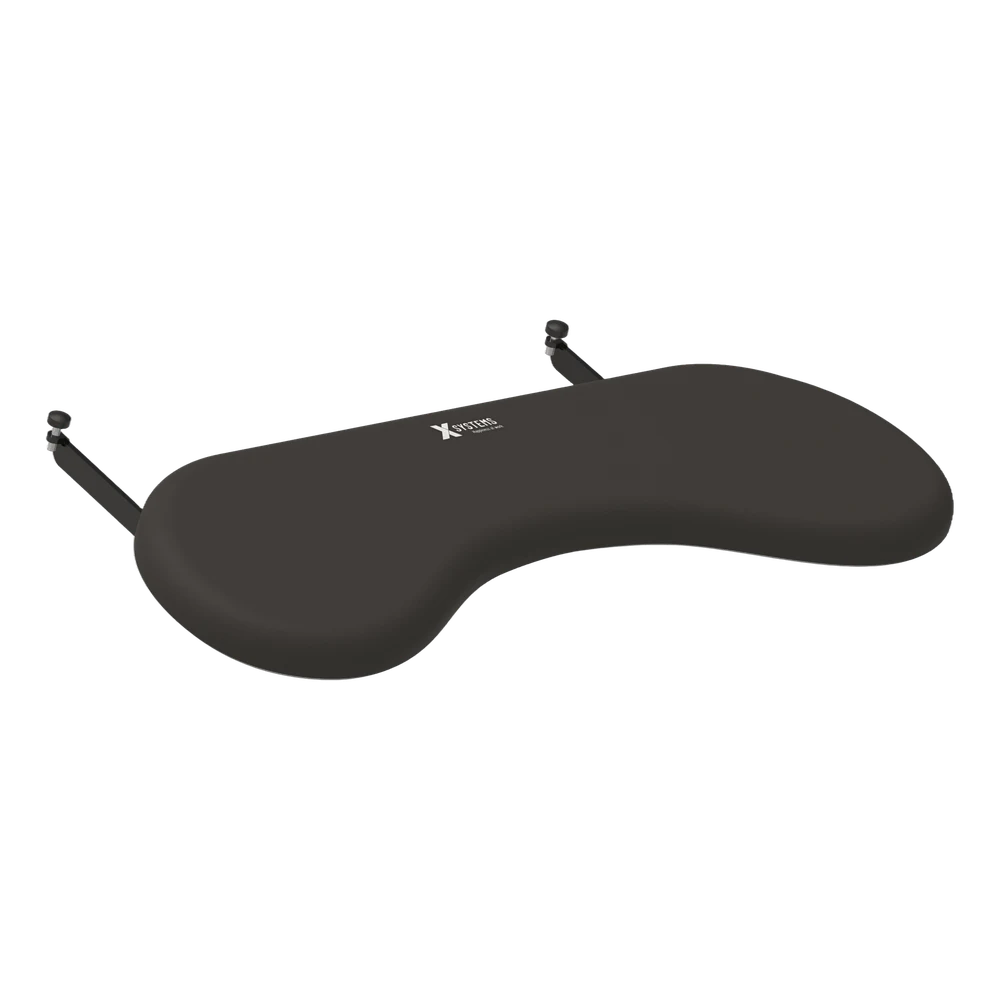
We help you assess how your workstations are set up and whether ergonomic aids are needed.